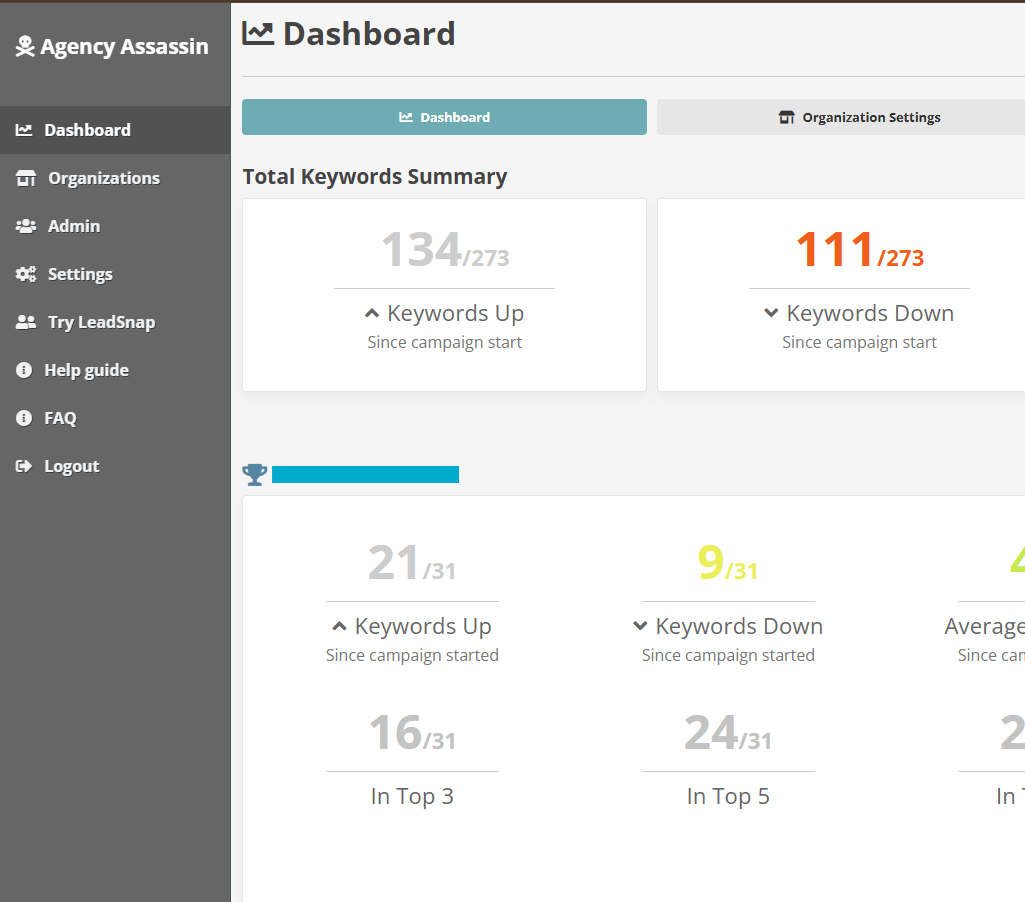
To delete the campaign, click on the "Dashboard" on your left navigation panel, and select the campaign you wish to delete.
Click the "Edit" in the top right corner.
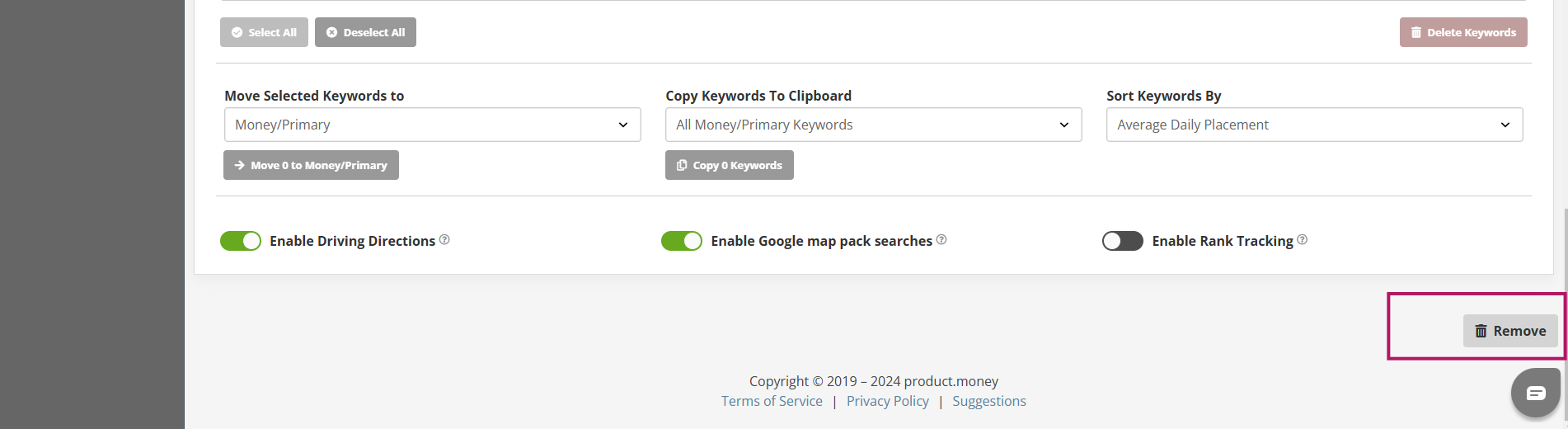
Then scroll to the bottom and click on "Remove" button in the lower right hand corner. Click again to confirm.